
How to Apply for PM Petrol Relief
To apply for PM Fuel Relief, register by SMS, request a token, then show the valid token at the petrol pump. The current process does not require a separate online application form.

Step 1: Apply with the REG message
REG <CNIC> <Plate No> <Province Code> <Registration Date>Use your own active CNIC and the vehicle details exactly as they appear in the record. Enter the date in DDMMYYYY format and send the message to 9771.
Step 2: Wait for confirmation, then send TOK
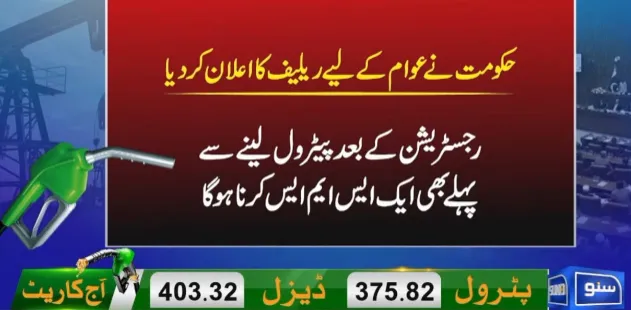
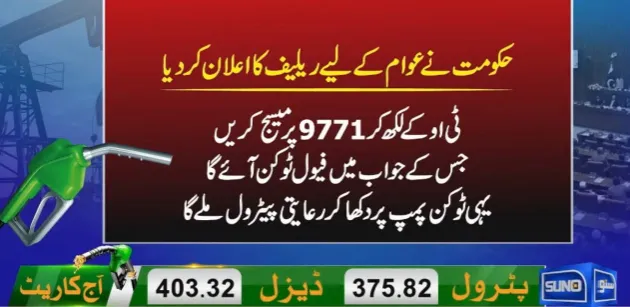
Once registration is confirmed, send TOK to 9771 before visiting the petrol pump. The token connects your registration with the allowed quota.
Step 3: Show the token at the pump
Show the valid SMS token at the participating petrol pump so the vehicle and available quantity can be verified.
Province code reminder
| Code | Province / area |
|---|---|
| I | Islamabad |
| A | AJK |
| G | GB |
| S | Sindh |
| P | Punjab |
| K | KPK |
| B | Balochistan |
If you do not receive a token
Recheck the registration details first. For scheme guidance or token problems, the supplied support details list 9771 for consumers. Petrol pump owners are listed with 9772.